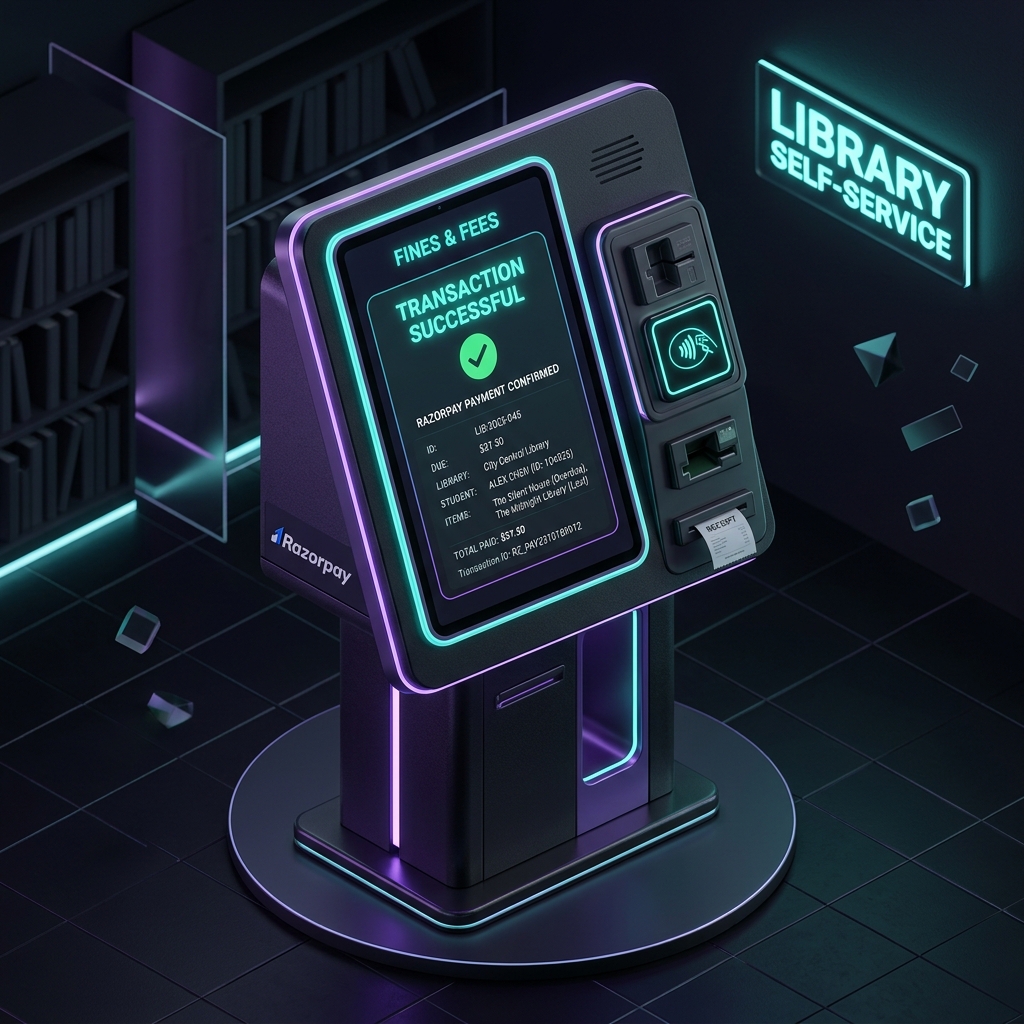
Overdue fines are small amounts that take a lot of staff time to collect. The kiosk lets a student settle one alone.
The problem
The project report put it in two lines: manual fine collection is "time-consuming and prone to errors", and patrons "face inconvenience in making payments, leading to delayed settlements".
Patron records lived in Koha. The missing piece was payment, with no cashier and no card terminal.
What I built
A Windows kiosk app that follows the flow in the design document:
patron scans ID card
   │
   ▼
look up patron + fine (Koha database)
   │ fine due?  no ─► done
   ▼ yes
confirm amount ─► create Razorpay QR for that amount
   │                 (saved locally with its ID)
   ▼
show QR + countdown ─► check payment status every 20 s
   │
   ▼
amount received = amount due ─► "Payment successful"
- Card scan. The card reader types the card number into the kiosk, and the app keeps the input field focused so a scan is never lost.
- Patron and customer. The app reads the patron's details from the library database and links them to a Razorpay customer record, created on first use and reused after that.
- A QR code per fine. For each payment the app asks Razorpay's QR Codes API for a fixed-amount code and stores the code's ID, amount and status in a local table.
- Confirmation without a webhook. The kiosk polls Razorpay for that QR code every 20 seconds and treats the fine as paid only when the amount received equals the amount due. An on-screen countdown ticks every second while the code is shown.
- Settings. Database and payment settings sit on a separate settings screen and are stored encrypted.
Decisions that mattered
A dynamic QR, not a static one. A printed UPI QR would accept any amount, and someone would have to match each payment to a fine by hand. A code generated for one fine carries its amount and its ID, so the kiosk can tell exactly which fine was paid.
Poll instead of webhook. Asking Razorpay every 20 seconds needs only outbound access from the kiosk. A webhook would need something on the library side that the internet can reach.
Both databases. The app has connection layers for MySQL and for SQL Server.
What was hard
Payment state. A patron can scan the code and walk away, pay twice, or pay after the countdown. Comparing the amount received with the amount due, rather than trusting the first status that comes back, is a simple rule that covers those cases.
What I would change today. The patron lookup builds its SQL by joining the card number into the query string, while the inserts use parameters; every query should. Polling every 20 seconds is slow at a counter; a small relay that receives Razorpay's webhook and lets the kiosk ask it would confirm in seconds. The settings use DES, which was already outdated.
Where it stands
Five commits between August and October 2023, then the write-up: my MCA second-semester mini project, "Integration of Razorpay with Library's Dropbox System".
It stayed a working prototype and never ran at a library. The faculty who reviewed it were impressed.
The source is private and was built in an employer's codebase. This write-up stays at the architecture level.